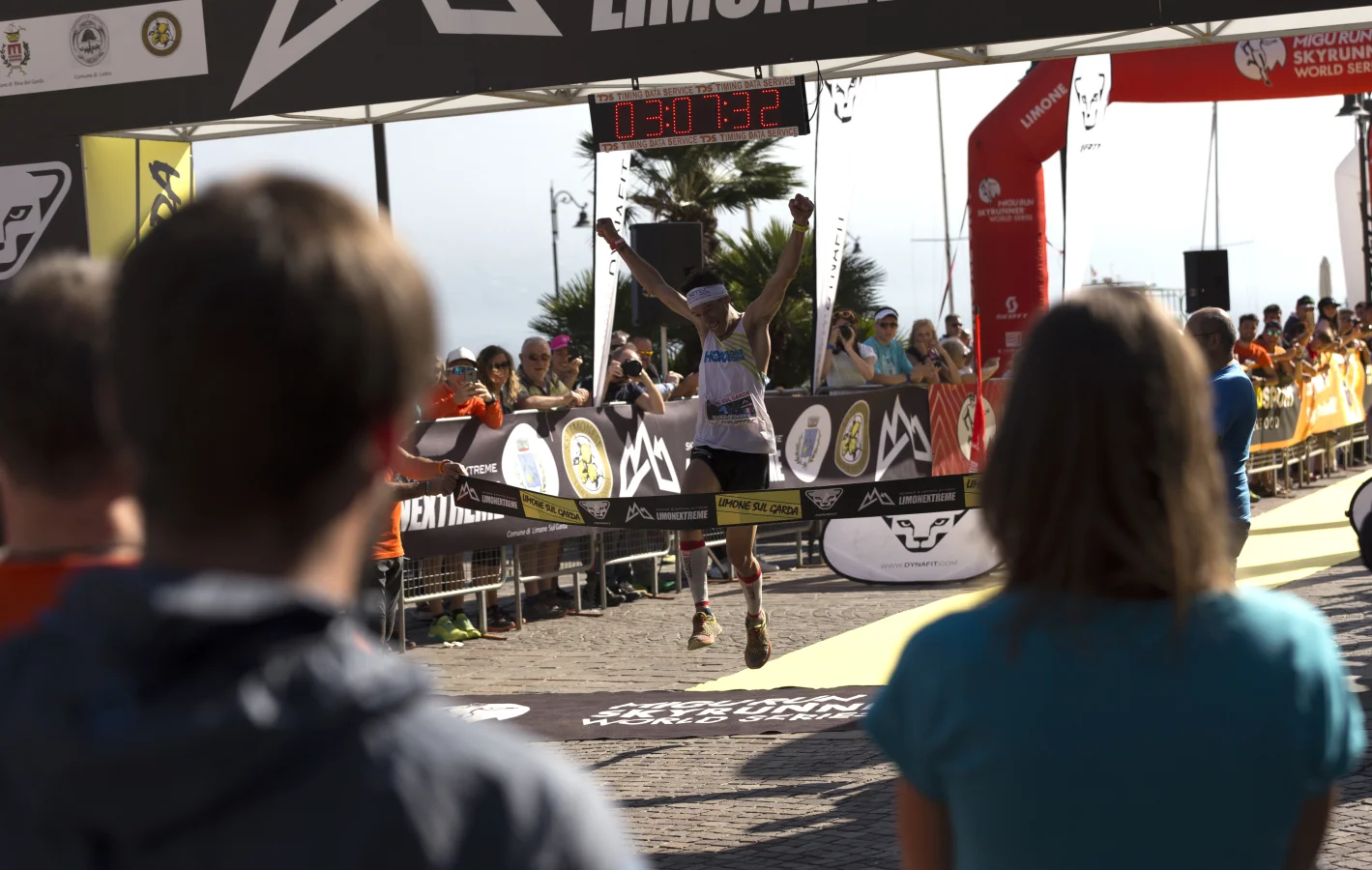
You've just finished a strong run and you want to share the stats. But opening a photo editor, manually typing your pace, and trying to make it look good? That takes forever — and it never quite looks right.
The good news: there are tools built specifically for this. The bad news: not all of them are worth your time. We tested the most popular options in 2026 and ranked them so you don't have to.
Why Running Overlays Matter for Your Posts
A photo with your pace and distance baked in tells the whole story at a glance. Viewers don't need to read your caption. Your achievement is front and center — and that leads to more engagement, more kudos, and more meaningful connections with other runners.
Quick Comparison
| Tool | Free Plan | Video Support | No Account Needed | Mobile-Friendly |
|---|---|---|---|---|
| PaceOverlay | ✓ Free forever | ✓ | ✓ | ✓ |
| Canva | Limited | ✓ | ✗ | ✓ |
| Strava Native | ✓ | ✗ | ✗ | ✓ |
| Nike Run Club | ✓ | ✗ | ✗ (NRC account) | ✓ |
| Manual (Lightroom/Snapseed) | ✓ | ✗ | ✓ | Difficult |
Overlay Your Running Stats
Add your pace, distance, and heart rate to your running photos and videos — share your stats the way the pros do.
Try PaceOverlay Free →1. PaceOverlay: Best Overall (Free)
PaceOverlay is purpose-built for runners. You upload your photo, enter your distance and time, and the tool automatically calculates your pace and places a clean overlay on your image. No account required for image overlays.
What makes it stand out:
- Auto pace calculation — enter distance + time, pace appears automatically
- Drag and resize the overlay to the perfect position
- Multiple templates (3 free, 25 on Pro)
- Works with JPEG, PNG, and HEIC (iPhone photos)
- Video overlay with live GPX sync (free limited, full on Pro)
- No watermarks on any plan
Limitations: Video overlay on free is limited to 10-second clips. Pro ($9.99/month) removes all limits.
💡 Best for: Runners who want a clean, dedicated overlay tool that works instantly in any browser on any device.
2. Canva: Most Flexible (but Manual)
Canva is a general design tool with thousands of templates. You can create running overlays, but you'll need to manually type all your stats, adjust fonts, and position elements yourself. There's no auto pace calculation.
Best for: Runners who want full design control and don't mind spending 10–15 minutes per image. Not ideal if speed matters.
3. Strava's Native Share Feature
When you end an activity in Strava, you can create a shareable graphic with your stats. It's fast and convenient because your data is already there — no manual entry. But the design options are very limited, you need a Strava account, and it only works right after a run.
Best for: Quick shares directly from Strava. Not great for older runs or custom photos.
4. Nike Run Club Cards
Nike Run Club lets you create shareable achievement cards when you finish a run. They look polished but follow a rigid NRC design template — you can't use your own photos, customize the layout, or apply it to videos.
Best for: NRC users who want quick shares with NRC branding. Not flexible enough for custom content.
5. Manual Editing (Lightroom, Snapseed, VSCO)
You can technically add text overlays using any photo editor. But you'll need to type your stats manually, format the text yourself, and do the math on your pace. For one image it's manageable. For regular posting, it's a workflow killer.
Best for: Runners who already edit photos heavily and want one tool for everything. Everyone else: use a dedicated overlay tool.
The Verdict
If you want the fastest, cleanest running photo overlay with zero friction, PaceOverlay is the clear winner. It's purpose-built, completely free for images, works on any device, and doesn't require an account. If you also want to add overlays to running videos with live pace and GPX sync, PaceOverlay Video is the only tool that does it end-to-end.
Conclusion
Running overlay tools have come a long way. You no longer need to open Photoshop to make your run posts look professional. Pick the tool that fits your workflow — but if you want something that works in 60 seconds and costs nothing, PaceOverlay is the easiest place to start.