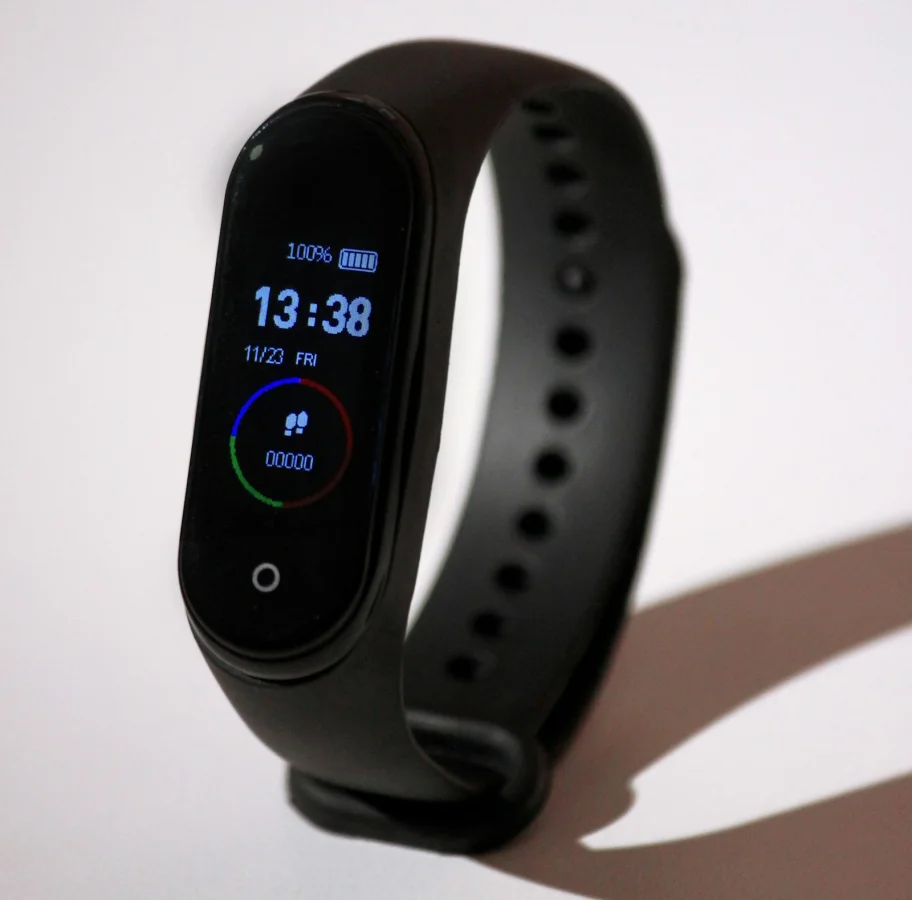
Knowing how to track running progress transforms guesswork into a clear picture of your improvement. Whether you use a GPS watch, a smartphone app, or a paper logbook, consistent tracking helps you train smarter, avoid overtraining, and celebrate genuine gains.
Why Tracking Running Progress Matters
Without data, progress is invisible. You may feel like your runs are getting harder when they are actually getting easier at the same pace — or vice versa. Tracking gives you an objective record that removes the emotion from your training and shows you exactly where you stand.
- Identify paces that feel easy vs hard, so you train in the right zones.
- Spot overtraining early by noticing elevated resting heart rate or declining pace at the same effort.
- Stay motivated by seeing weekly and monthly volume accumulate over time.
- Prepare smarter for races by reviewing recent fitness trends.
Key Metrics to Track
| Metric | What It Measures | Why It Matters |
|---|---|---|
| Pace (min/km or min/mile) | Speed per unit distance | Core measure of running fitness |
| Distance | Total kilometres or miles | Tracks weekly volume and long-run build |
| Heart rate | Cardiovascular effort | Ensures easy runs stay easy |
| Cadence (spm) | Steps per minute | Identifies efficiency and overstriding |
| Elevation gain | Total climb per run | Measures difficulty of hilly routes |
| Resting heart rate | Recovery status | Early warning sign of overtraining |
GPS Apps for Tracking Runs
Smartphones have turned almost everyone into a capable run tracker. The best free apps offer pace, distance, route map, and heart rate (with a compatible monitor) without any subscription. For more detail, see our guide to How to Train for Your First Half Marathon: A Complete 12-Week Guide.
- Strava: The most popular running social network. Excellent segment comparisons, weekly summaries, and a large community for accountability.
- Nike Run Club: Great guided runs and coaching plans. Free tier is generous for beginners.
- Garmin Connect: Best-in-class if you own a Garmin watch. Deep data including body battery, training load, and VO2 max estimates.
- Apple Fitness+ / Google Fit: Good entry points if you already own an Apple Watch or Android device.
Tip: Enable auto-lap every kilometre or mile so your watch beeps at each split. Reviewing splits after a run is the fastest way to understand your pacing patterns.
Keeping a Training Log
A training log — digital or paper — captures context that apps miss: how you felt, what you ate beforehand, the weather, and any niggles. Over months it becomes an invaluable reference for spotting injury patterns and understanding what conditions produce your best performances.
Log at minimum: date, distance, duration, pace, and a one-line note on how the run felt. Many runners also note sleep quality and resting heart rate each morning. After eight weeks you will have enough data to see trends that no single run can reveal.
Making Sense of Your Progress
Progress in running is rarely linear. Expect weeks where pace improves, followed by weeks where it plateaus or even dips. Judge progress over four-week blocks, not day to day. Comparing your current easy-pace heart rate to your heart rate six weeks ago is often more revealing than comparing race times. For the full beginner framework, see our Beginner's Guide to Running.
Overlay Your Running Stats
Add your pace, distance, and heart rate to your running photos and videos — share your stats the way the pros do.
Try PaceOverlay Free →Frequently Asked Questions
What is the most important running metric for beginners?
Pace and distance are the two most useful metrics to start with. Once you are running consistently, adding heart rate data helps ensure your easy runs are genuinely easy — which is where most of your aerobic gains happen.
How often should I review my running data?
Glance at each run's stats immediately after finishing, then do a deeper weekly review. A monthly summary is valuable for spotting longer trends in volume, pace, and fitness.
Do I need a GPS watch to track running progress?
No — a smartphone with a free app like Strava or Nike Run Club tracks everything a beginner needs. A GPS watch becomes worthwhile once you are training more seriously and want wrist-based heart rate, offline maps, or advanced metrics.
Final Thoughts
The most important thing about how to track running progress is that it is learnable. The principles covered in this guide — from Why Tracking Running Progress Matters, Key Metrics to Track — give you a proven framework to work from, regardless of your current fitness level.
Start with one change this week. Apply it consistently across a few runs, assess the results, and build from there. Running rewards patience and consistency more than any other input. Show up regularly, progress gradually, and the improvements follow.