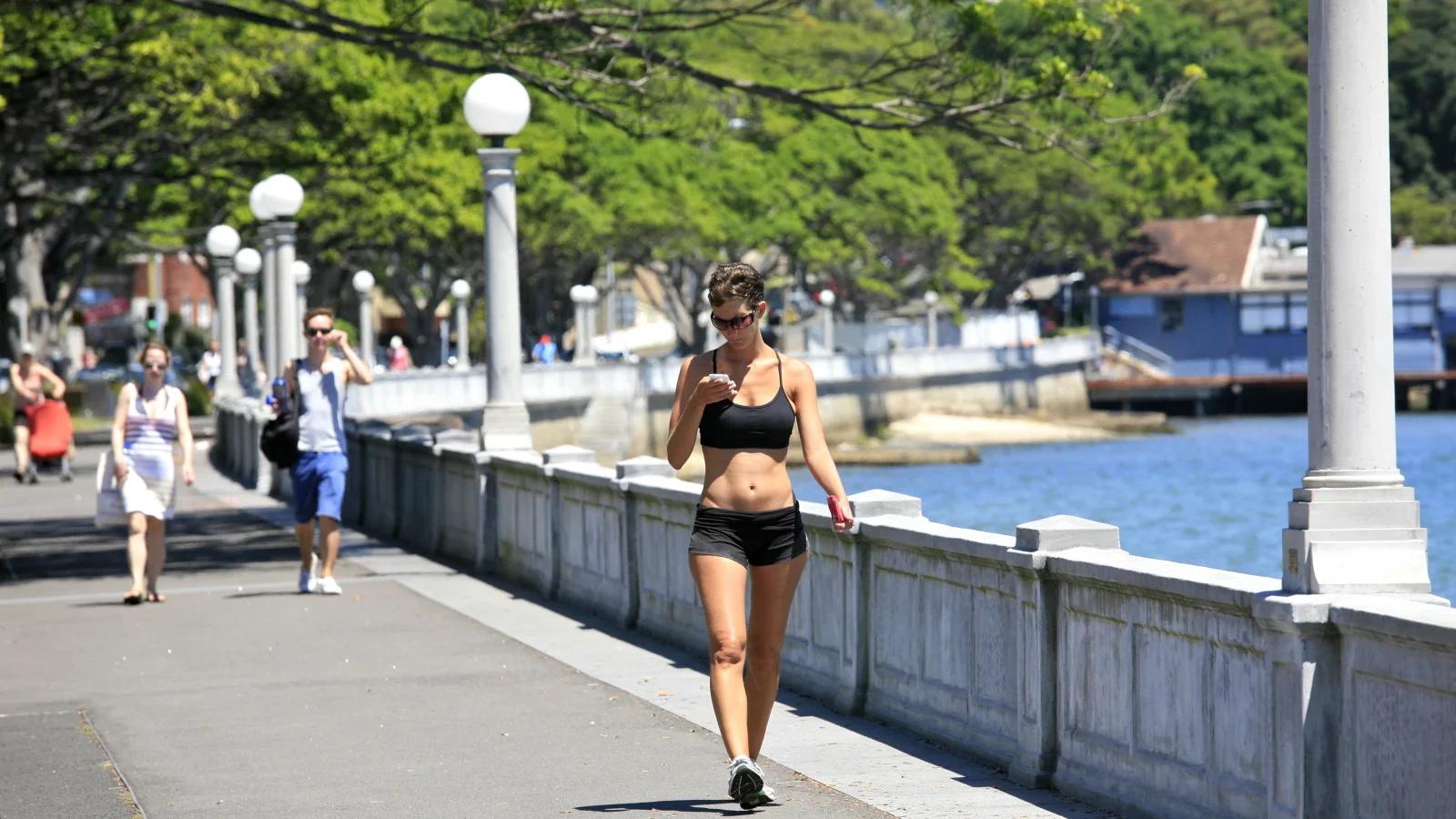
The running community on Instagram is one of the most engaged niches on the platform. #Running has billions of posts. But scroll through and you'll quickly notice: the posts that get the most engagement aren't just photos of shoes or finish line selfies — they're the ones where you can immediately see the numbers.
This guide covers everything you need to turn your running activity into Instagram-ready content that gets double-taps, saves, and follows.
Why Stats-on-Photo Outperforms Plain Running Photos
When someone scrolls past your post, they have about 0.5 seconds to decide whether to stop. A photo with your pace visible in the frame communicates your story instantly — without them reading your caption. Check out our complete How to Export GPX from Garmin, Strava & Apple Watch guide for more.
A 4:45/km pace on the overlay tells a story. "Great run today 💪" in a caption doesn't. Stats give people something to react to, comment on, and relate to.
What Stats to Include on Your Instagram Running Photo
Less is more. The most effective running overlays include:
- Distance — the headline number (10K, half marathon, etc.)
- Pace — auto-calculated from your time and distance
- Time — total elapsed time
- Run Type — easy run, race day, long run, etc.
Don't crowd the image with too much. Three or four data points in a clean overlay is always better than eight numbers in a cluttered layout.
💡 Pro tip: Lead with distance as your headline number — it's the metric most people identify with. "21.1K" reads faster than your split time.
How to Create Your Running Photo Overlay for Instagram
Step 1:Take a Good Running Photo
The photo matters. Some angles that work well on Instagram:
- A finish-line moment or race bib photo
- Mid-run action shot (have someone photograph you, or use a phone timer)
- A post-run shoe flat lay on a scenic background
- A scenic route photo where you are a smaller element
Step 2:Add Your Stats with PaceOverlay
Go to PaceOverlay, upload your photo, and enter your distance, time, and run type. Your pace is calculated automatically. Position the overlay in the lower third of the image — this works for most compositions and leaves the main subject visible.
Overlay Your Running Stats
Add your pace, distance, and heart rate to your running photos and videos — share your stats the way the pros do.
Try PaceOverlay Free →Download the result as a full-quality JPEG (no watermarks, ever).
Step 3:Crop for Instagram Feed or Stories
Instagram feed prefers a 4:5 ratio (1080×1350px) for maximum real estate in the feed. PaceOverlay uses a 4:5 crop by default, so your image is already optimised. For Stories or Reels covers, crop to 9:16.
The Best Hashtags for Running Posts on Instagram
Mix broad, mid-tier, and niche hashtags for maximum reach:
| Tier | Example Hashtags | Reach |
|---|---|---|
| Broad | #running #runner #run | 100M+ posts |
| Mid-tier | #morningrun #runningmotivation #marathontraining | 5–30M posts |
| Niche | #5krun #halftmarathon #stravaphoto #runnersofinstagram | <2M posts |
Use 5–10 relevant hashtags rather than 30 generic ones. Instagram's algorithm rewards relevance over volume.
Best Time to Post Running Content on Instagram
The running community is most active early morning (5–8am) and early evening (5–8pm) on weekdays — which lines up with when people actually run. Post within two hours of your run while the activity is fresh in the algorithm and your followers are active.
Weekends see higher engagement for long run and race content — those posts have more emotional weight and get more saves.
Writing Captions That Complement Your Overlay
Since your stats are already in the image, your caption can focus on the story — how it felt, what you learned, what you're training for. A good formula:
- The hook — one punchy line that grabs attention
- The story — 2–3 sentences about the run
- The question — ask your followers something to drive comments
Example: "Sub-5:00 pace for 10K — first time ever. ✅ Three months ago I could barely hold 6:30. The difference? Running easy 80% of the time. Anyone else follow the 80/20 rule? 👇"
Conclusion
Great running content on Instagram comes down to one thing: making your achievement visible at a glance. Stats overlays do that better than any caption ever could. Use PaceOverlay to add your numbers, crop to 4:5, post at the right time, and let your run speak for itself.